Networking
LinkedIn Connection Request Message to a Stranger: 4 Notes
10 min read
Key takeaways
- Give one true reason a stranger can say yes to: a shared school, group or event, a mutual contact, or something they wrote.
- A person who does not know you has one question: why me? Answer it in the first line of the note.
- Ask for nothing in the note. Save any question for the message after they accept.
- Keep the note under 200 characters. Berkeley says 200 and a bank's guide says 300. We could not open LinkedIn's help pages to check.
- If you cannot name a real reason, do not send the request yet. Read their work first, or skip it.
Short answer: Send a short note that gives one true reason they can say yes to: a shared school, group or event, a mutual contact, or something they wrote. Put it in the first line, keep it under 200 characters, and ask for nothing yet. If you cannot name a real reason, do not send the request.
In this article
Should you send a request to someone you have never met?
What gives a stranger a reason to say yes?
How long can the note be?
What do you write in four situations?
When should you not send the request?
What do you send after they accept, and what if they do not?
How do you keep track of people you do not know yet?
What do we not know?
FAQ
Do this today
Should you send a request to someone you have never met?
Mina is an analyst. She reads a post about forecasting errors by Omar, who works at another company. They have never spoken. The Connect button is right there, and the note box is waiting. (Mina and Omar are examples, not real people.)
Before she types, Mina should look at it from Omar's side. Alison Green, who writes the Ask a Manager blog, said in a 2012 post that she tends to ignore requests from people she does not know when they give no reason to connect. Deborah Edwards-Oñoro, a retired web designer, wrote in a post first published in 2014 that she gets five to ten invitations a day, and that almost 90 percent of the time the sender keeps the default message. Those are two people's own habits and counts, not studies, but both ask the same question: why me?
Not everyone is that strict. Gene Marks wrote in Entrepreneur (2017) that he usually accepts people he has met or emailed, and that he gives a stranger's profile about 30 seconds. The Ladders (2021) adds why people are careful: it says LinkedIn recommends accepting only people you know, and it names scams as a risk.
So two things get read: your note and your profile. Check your headline and photo before you send. UC Berkeley's career center asks for a professional photo with you alone in the frame. If you want the basics of how requests and notes work first, start with our guide to the LinkedIn connection request. This guide covers one case: someone you do not know.
What gives a stranger a reason to say yes?
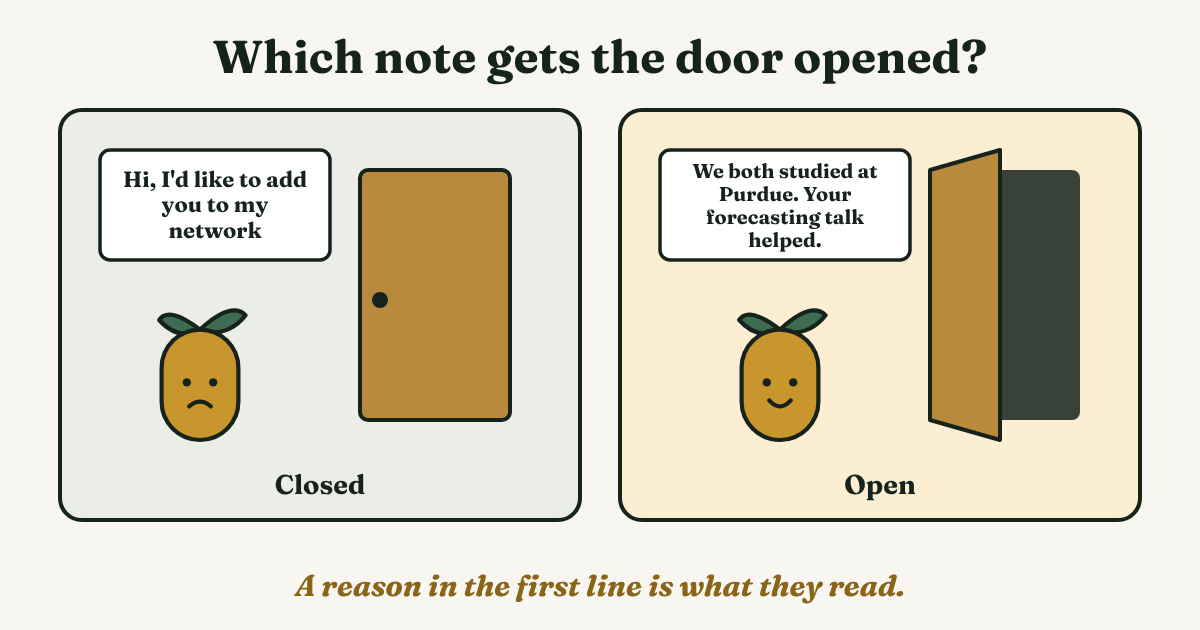
The sources that cover notes agree, in different words: say how you know the person or why you are writing, and be specific. Berkeley's career center says to state your connection first, such as alumni, a shared interest or a referral. Royal Bank of Canada's guide (2025) and Grammarly's guide (2023) say the same and warn against the default text. The Muse (updated 2020) calls a generic "I'd like to connect with you on LinkedIn" lazy.
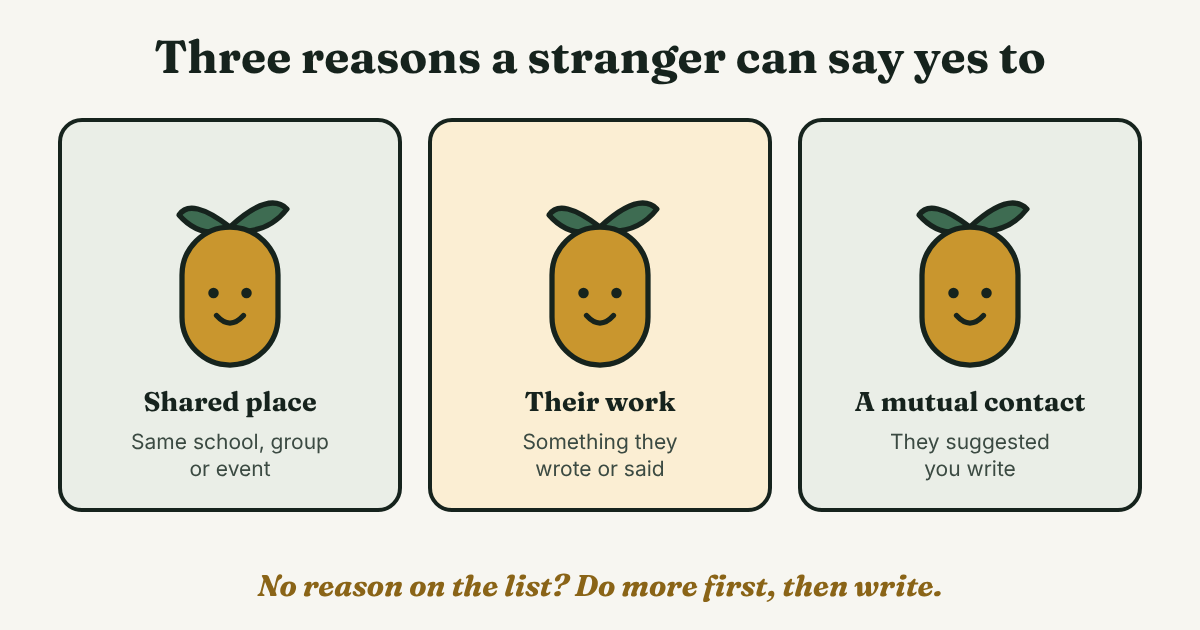
That gives three reasons that work for a stranger:
- A shared place. The same school, employer, group or event. Name it, and the person can place you in a second.
- Their work. A post, talk or article you really read. Name one detail that only a reader would know.
- A mutual contact. Someone who suggested you write. Use this only if they did, and ask them first if you can use their name.
"I want to grow my network" is not on the list. It is about you, and it is close to what the default text says.
Here is a test to run before you send. Finish this sentence with something true: I'm writing because ___. If the blank holds a place, a piece of their work or a name, send it. If it holds "I want to connect", take one more step first. Read two of their posts, join the group they run, or go to the event. Then try again.
Two mistakes are easy to make: a real reason that is only about you, such as "I'm looking for opportunities", and a made-up shared thing. Do not write what you cannot back up.
How long can the note be?
Berkeley's career center says a note on an invitation has a 200-character limit. Royal Bank of Canada's guide says 300. They disagree, and we could not open LinkedIn's help pages to settle it. Write under 200 and the note fits both. Grammarly's "no longer than 75 words" is advice, not a limit. Every note below is 20 to 30 words.
Berkeley also points out that if the person has not accepted, you cannot send them a message. The note is your one chance to give a reason. For more note examples beyond strangers, see our guide to the connection request message.
What do you write in four situations?
Each note has the same shape: a short line about you, one true reason, and no ask. Edit every note by hand for the one person you are writing to. Do not copy one note to many people.
You share a school, group or event
Hi [Name], I'm a [role] in [city or field]. We both [studied at / belong to / went to] [place]. I'd like to follow your work on [topic]. Glad to connect.
Mina's version: Hi Omar, I'm a data analyst in Austin. We both studied at Purdue. I'd like to follow your work on forecasting. Glad to connect. That is 127 characters. Check the shared place on their profile first.
You read something they wrote
Hi [Name], your [post / talk] on [topic] [one thing it changed for you]. I work in [field]. Glad to connect.
Mina's version: Hi Omar, your post on forecasting errors changed how I check my own models. I'm an analyst in retail. Glad to connect. That is 118 characters. Use this only if you read the piece.
Someone suggested you write
Hi [Name], [Mutual contact] suggested I write. I [one line about what you do]. Glad to connect.
Mina's version: Hi Omar, Priya suggested I write. I run reporting at a small retailer and read your forecasting posts. Glad to connect. That is 119 characters. Priya is also made up.
They are very senior, such as a CEO
Hi [Name], I follow [Company]'s work on [specific thing]. I'm a [title] in [field], so your [talk / post] on [topic] was useful. No ask, just following along.
Mina's version: Hi Omar, I follow your company's work on demand forecasting. I'm an analyst in retail, so your talk on error bars was useful. No ask, just following along. That is 155 characters.
None of the sources we read tested requests to CEOs, so this is our reading. A note that could go to any CEO fails like any generic note, so name something specific. Berkeley says not to ask for a job, and The Muse's example of a bad ask is asking a stranger to put in a good word with the CEO. A shared place or mutual contact beats a cold note. With neither, comment on one of their posts first and send the request later.
When should you not send the request?
Skip the request, for now, when:
- You cannot name a true reason. Do the reading first. A request with no reason gives the other person nothing to say yes to.
- You want a favor. A job, an introduction or a sale is a second conversation. Berkeley says not to ask a contact for a job specifically, because they may have nothing to do with hiring.
- You would send the same note to many people. Every note is written for one person.
What do you send after they accept, and what if they do not?
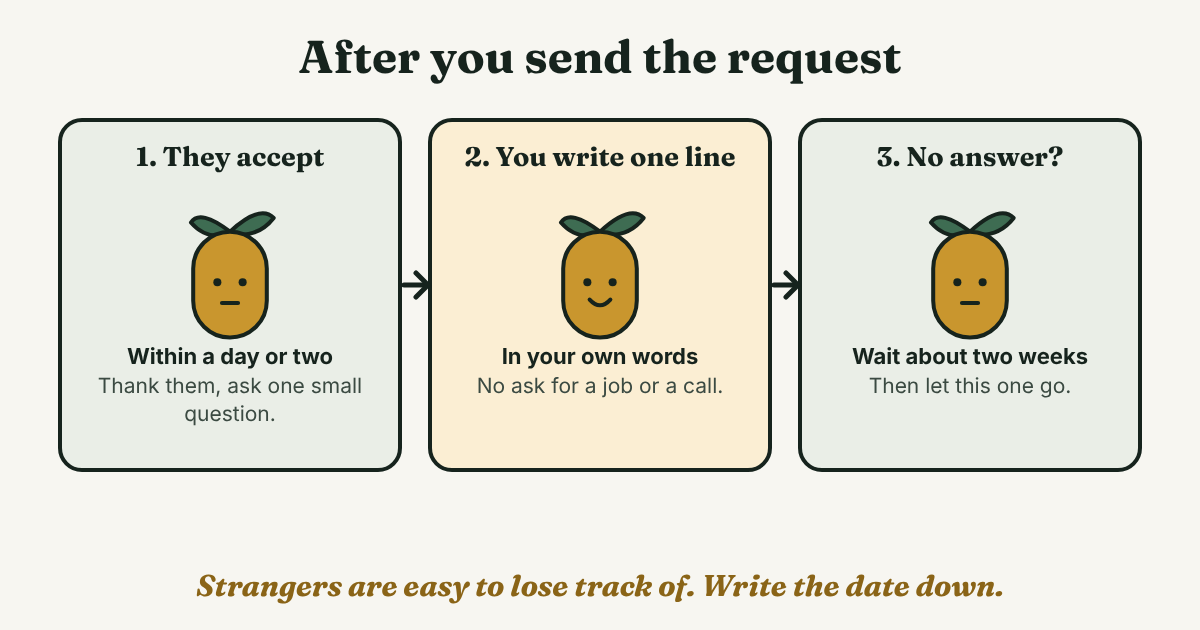
A stranger who accepts has not said much yet. Write one short message in the next day or two, while the reason is fresh. Make it easy to answer, with one small question:
Thanks for connecting, [Name]. I'm trying to get better at [one narrow thing]. What would you read first?
Mina's version: Thanks for connecting, Omar. I'm trying to get better at checking forecast error. What would you read first? Save a call for a later message, after Omar has answered. For more on this step, see our guide to the follow-up message after connecting.
If nobody accepts, our rule is to wait about two weeks and then let it go. To find a request that is still waiting, see our guide to sent invitations on LinkedIn.
How do you keep track of people you do not know yet?
With a friend, the history reminds you. With a stranger, nothing does. A week later you may not remember why you wrote, or whether Omar accepted. Write one line when you send each request:
[Name], [role]. Reason: [place, work or contact]. Sent [date]. Next message by [date].
Mina's line: Omar, forecasting analyst. Reason: his talk on error bars. Sent Nov 6. Next message by Nov 9. The reason is what makes the second message easy to write.
Full disclosure: we make GrowthSeeded, a simple follow-up tracker for LinkedIn. It tells you who to message each day, so you don't forget to follow up. A notes app or a spreadsheet can hold the same line too.
What do we not know?
- LinkedIn's own words. We could not open LinkedIn's help pages. The note limit comes from two sources that disagree.
- Whether a note raises acceptance for strangers. We found no independent study. The advice here comes from a career center, a bank, a writing app, a magazine and bloggers, not from tests.
- What works on CEOs. No source we read tested it. The senior-person note is our reading of the general advice.
FAQ
Should I send a connection request to someone I do not know?
Yes, if you have a true reason you can put in one line: a shared place, their work or a mutual contact. If you do not, wait and do the reading first.
Can I send a request to a CEO?
You can. We found no source that tested it, so keep it small and specific, ask for nothing, and use a shared place or mutual contact if you have one.
What if I have nothing in common with the person?
Do not invent something. Read two of their posts or hear them speak, then write about one detail. That becomes your reason.
What if they do not accept?
Wait about two weeks, then let it go. You cannot message someone who has not accepted, and sending the same request again does not help.
Do this today
- Pick one person whose work you have read. Open their profile and find your reason.
- Finish the sentence "I'm writing because ___" with something true. Write the note in under 200 characters.
- Write the tracking line with the date of your next message.
With a stranger, the second message is the one that slips: the reason you wrote and the day to write again are the first things you lose. Add the name and your reason in GrowthSeeded, and each day it shows you who to message. You send every message yourself. It never sends anything and never connects to your LinkedIn account. You can start free with up to 5 people.
Sources
- 5 Tips for Reaching Out, UC Berkeley Career Engagement, checked 2026
- How to write compelling LinkedIn connection request messages, Royal Bank of Canada, 2025
- How to Write a Connection Request Message on LinkedIn, Grammarly, 2023
- How to Write LinkedIn Messages That Actually Get Read, The Muse, updated 2020
- Should you accept connections from strangers on LinkedIn?, Ask a Manager, 2012
- Why I Didn't Accept Your LinkedIn Connection Request, Lireo Designs, 2014
- Why Should I Accept Your LinkedIn Connection?, Entrepreneur, 2017
- Why you should (and shouldn't) accept LinkedIn requests from people you don't know, The Ladders, 2021
About the author
Anisur Rahman Fagun is a marketing and content strategist with more than 9 years of experience in SEO, content, paid advertising and brand growth. He holds a master's degree in mass communication and journalism, and has led content and SEO strategy, built editorial teams and worked with product, design and sales teams. He also builds simple tools that turn marketing data into clear decisions. He writes the GrowthSeeded blog, which shares practical ways to follow up and stay in touch with people on LinkedIn.