Networking
LinkedIn Connection Request Message to a Recruiter: 4 Notes
10 min read
Key takeaways
- Apply first, then write. A recruiter who can see your application knows why you wrote.
- Name the role and give one reason you fit, in one or two short sentences. Do not ask for a job.
- Leave the call, the résumé review and the email address for later. Recruiters say those asks put them off.
- Keep the note under 200 characters. We checked on November 5, 2026 that the note box on a Sales Navigator profile allows 300. We could not confirm the limit for other accounts.
- Write one tracking line when you send it, with the date of your next message.
Short answer: Apply for the role first. Two or three days later, send the request with a note that names the role and gives one reason you fit. Do not ask for a job or a call. Keep it under 200 characters. When they accept, send one short message with one easy question.
In this article
Should you connect with a recruiter before or after you apply?
What do recruiters not want in a request?
How long can the note be?
What do you write in four situations?
What do you send after they accept?
How do you keep track of who you wrote to?
What do we not know?
FAQ
Do this today
Should you connect with a recruiter before or after you apply?
Nadia (an example, not a real person) applied for a product analyst job on Monday. The posting names a recruiter, Dana. Nadia wonders if a request to Dana would help or look pushy.
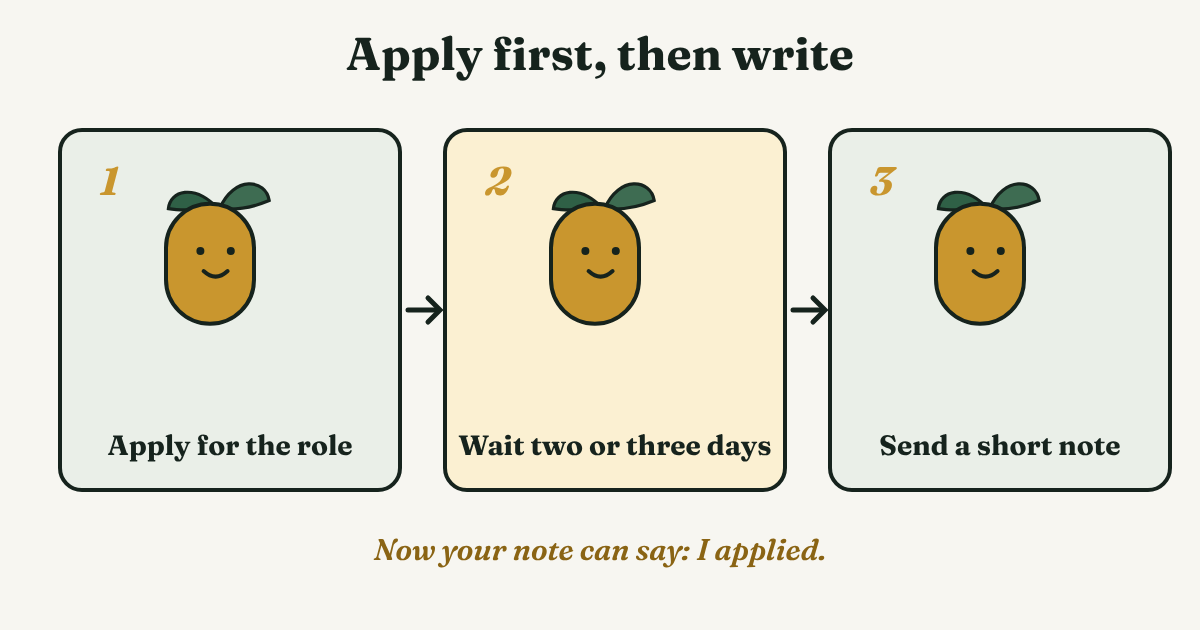
The order matters more than the wording. Stacy Donovan Zapar, writing as a recruiter for the Undercover Recruiter site, says to find the role, apply on the careers page, and only then approach a recruiter at that company. Resumeble, a resume-writing service, gives a timing: wait two to three days after sending your résumé to a small agency, and a week for a large company. That is advice, not a measured result. We use it as a starting point.
Here is why it works. If you apply first, Dana can look up your application. Your note then has an easy job: it says "I applied", and that is the reason you wrote. You do not have to explain yourself from scratch.
Resumeble adds one more check: make sure the recruiter is tied to the company where you applied. If the profile does not show it, ask in your first message after they accept. For the basics of how requests and notes work, start with our guide to the LinkedIn connection request.
What do recruiters not want in a request?
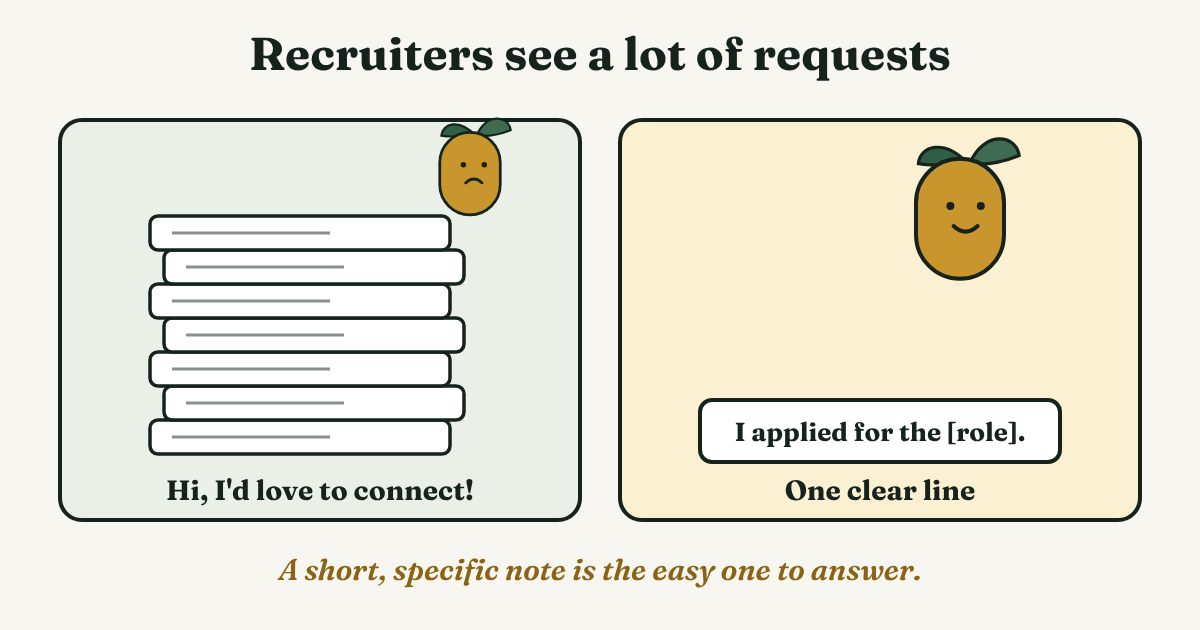
Recruiters get a lot of requests. The Pinnacle, a recruiting newsletter, said in 2015 that a recruiter typically gets 30 to 40 a day. That number is secondhand and old, so read it as a rough picture. The University of St. Thomas career center puts it in plain words: recruiters get dozens upon dozens of requests, so yours has to say something specific.
The recruiter-written advice is clear about what to leave out of the note and the first messages:
- "Can you help me find a job?" Zapar says a recruiter fills open roles for a company. Apply to the role, then write.
- A résumé review. It takes time that a recruiter does not have for strangers.
- An email address or phone number. Zapar says to leave these out. If you need one, ask after they have said yes to connecting.
- A call or coffee in the first note. Email and LinkedIn messages are the usual way to start. Save any bigger ask for later.
The Muse, in a 2024 article, also says not to send a blank request or a note like "Hi, I'd love to connect!". Our reading: a recruiter should be able to tell, in three seconds, which role you mean.
How long can the note be?
BetterUp (2023) says connection requests have a 300-character limit. Other pages we read for our connection request message guide say 200 for a free account. On November 5, 2026, we checked the note box on a profile with Sales Navigator, and it counted to 300 characters. We could not confirm the 200 for a free account, and LinkedIn's own help pages would not open for us. Stay under 200 and the note fits both ways.
One more thing worth knowing: BetterUp's own sample note is about 400 characters, which is longer than the limit it states on the same page. Paste your note into a character counter before you send it.
Enhancv (updated 2026) says to send a request with a short note to second-degree contacts, and to use InMail, which it says is usually for Premium, for third-degree ones. We could not check that against LinkedIn either. If a note is not an option, send the request blank and put the reason in your first message.
What do you write in four situations?
Each note has the same three parts: the role, one reason you fit, and no ask. Edit every template by hand for the one person you are writing to. Do not copy one note to many recruiters.
You applied a few days ago
Hi [Name], I applied for the [role] job on [day]. I have [number] years in [field]. Glad to connect.
Nadia's version: Hi Dana, I applied for the product analyst role on Monday. I have three years in retail analytics. Glad to connect. That is 115 characters.
You have not applied yet
Hi [Name], I saw the [role] opening at [Company]. I work in [field] and plan to apply this week.
Then apply that week, so your words stay true. If you do not plan to apply, do not say it.
The recruiter posted about the role
Hi [Name], I saw your post about the [role] at [Company]. I work in [field] and would like to follow your hiring posts.
Use this only if you read the post. Name one detail from it if you can.
There is no open role, but they hire in your field
Hi [Name], I see you recruit [field] roles. I am a [title] and open to a move in the next few months. Glad to connect.
This is the slower route. You are not asking for anything, just making sure the recruiter knows you exist. Our guide to networking with recruiters before you need a job covers the long game.
What do you send after they accept?
A recruiter who accepts has said nothing yet. Many people stop here, and the request goes cold. Send one message in the next day or two, while the reason is fresh. Make it easy to answer, with one question:
Thanks for connecting, [Name]. I applied for the [role] on [day]. If a short summary of my [skill] work would help, I can send it.
Do not ask how your application is going. Resumeble lists repeated check-ins as something to avoid. If a week or two passes with no reply, our guide to the follow-up message to a recruiter shows when and how to write again, and the guide to the follow-up message after you apply covers the application itself.
How do you keep track of who you wrote to?
A job search has many threads open at once: three applications, two recruiters, one who accepted yesterday. Two weeks later, you may not remember who got which note. Write one line when you send each request:
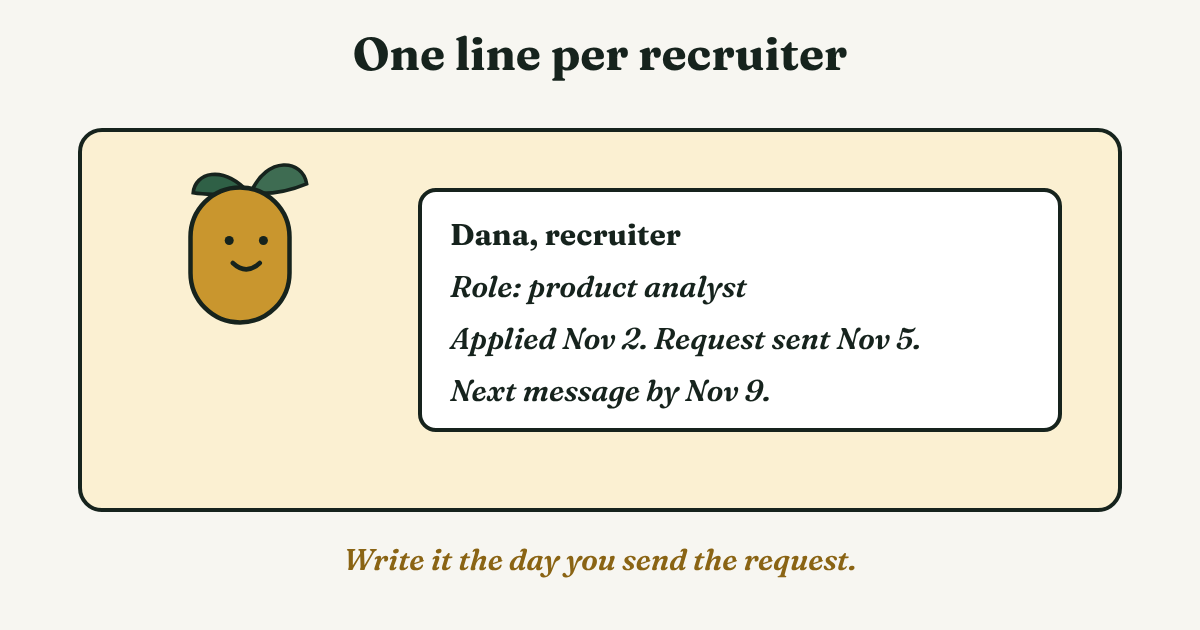
[Name], [company]. Role: [role]. Applied [date]. Request sent [date]. Next message by [date].
Nadia's line: Dana, recruiter. Product analyst. Applied Nov 2. Request sent Nov 5. Next message by Nov 9. If a request is still waiting after two weeks, our sent invitations guide shows where to find it and what to do.
Full disclosure: we make GrowthSeeded, a simple follow-up tracker for LinkedIn. It tells you who to message each day, so you don't forget to follow up. A notes app or a spreadsheet works for a short search too. Pick the one you will open every day.
What do we not know?
- LinkedIn's own words. We could not open LinkedIn's help pages, so the note limit and any monthly note count come from third-party pages that disagree.
- Whether a note raises acceptance for recruiters. We found no independent study. The advice above comes from career centers, a recruiter's blog and a resume service, not from tests.
- How many requests recruiters get today. The 30 to 40 a day figure is from 2015 and secondhand.
- Whether the timing fits your job. Two to three days or a week is advice from one resume service. Your recruiter may answer faster or slower.
FAQ
Should I send a request to a recruiter before I apply?
Apply first when you can. Then the note can say "I applied", and the recruiter can find your application. If you plan to apply this week, say so, and then do it.
Should I add a note?
Yes, here. The note is how the recruiter knows which role you mean. Keep it to one or two short sentences and name the role.
Can I ask for a job in the note?
No. A recruiter who writes about this says a recruiter fills roles, they do not find jobs for people. Apply to the role and let the note point to your application.
What if the recruiter never accepts?
Wait about two weeks, then let it go. Do not send the request again. Apply to the role and use the other ways in, such as a referral or a different recruiter at the same company.
What if I cannot tell which recruiter handles the role?
Check that the profile shows the company. If you are not sure, send the request and ask in your first message after they accept whether they handle the role.
Do this today
- Find the recruiter named on one job you already applied to, and check that their profile shows the company.
- Write a note in under 200 characters. Read it once and take out anything that asks for something.
- Write the tracking line and put the date of your next message on it.
If you have more than a few applications open, the part that slips is the message after the accept. GrowthSeeded keeps the role and the date beside each name, and each day it shows you who to message. It never sends anything for you and never connects to your LinkedIn account. You can start free with up to 5 people.
Sources
- How NOT to contact recruiters on LinkedIn, Undercover Recruiter, 2014, updated 2025
- 7 points about being approached by candidates on LinkedIn, The Pinnacle (Top Echelon), 2015
- LinkedIn connection requests, University of St. Thomas Career Development Center, 2024
- The right and wrong ways to approach recruiters on LinkedIn, Resumeble, 2019
- How to message recruiters to connect on LinkedIn, The Muse, 2024
- How to message a recruiter on LinkedIn, BetterUp, 2023
- How to write a LinkedIn connection message recruiters will respond to, Enhancv, updated 2026
About the author
Anisur Rahman Fagun is a marketing and content strategist with more than 9 years of experience in SEO, content, paid advertising and brand growth. He holds a master's degree in mass communication and journalism, and has led content and SEO strategy, built editorial teams and worked with product, design and sales teams. He also builds simple tools that turn marketing data into clear decisions. He writes the GrowthSeeded blog, which shares practical ways to follow up and stay in touch with people on LinkedIn.