Networking
Get More Connections on LinkedIn: A 15-Minute Weekly Routine
10 min read
Key takeaways
- Add people in this order: coworkers, classmates, contacts you already email, people you spoke to at events and groups, then strangers with a shared reason.
- About ten requests a week, each written for one person, is a pace you can keep. That number is our suggestion, not a LinkedIn rule.
- In one large LinkedIn study, moderately weak ties helped people most with job moves. It measured jobs, not network size or notes.
- A bigger count does not help if you cannot say why you added someone. Write one line when you send.
- Look again after two weeks. Message the people who accepted, and let the rest go.
Short answer: Connect with people who already know you first: coworkers, classmates and contacts you email. Then add people you spoke to at events or groups, and strangers only with a shared reason. Send about ten requests a week, each written for one person, and write one line about why you added each one.
In this article
Who should you add first?
Are weaker ties worth adding?
How many requests a week is reasonable?
Should you add a note, and what do you write?
What is a 15-minute weekly routine?
How do you remember who you added and why?
What do we not know?
FAQ
Do this today
Who should you add first?
Priya (an example, not a real person) has 140 connections and wants 300 by spring. Her first idea is to open People You May Know and tap Connect on whoever shows up. That grows the number. A month later, it does not tell her who any of them are.
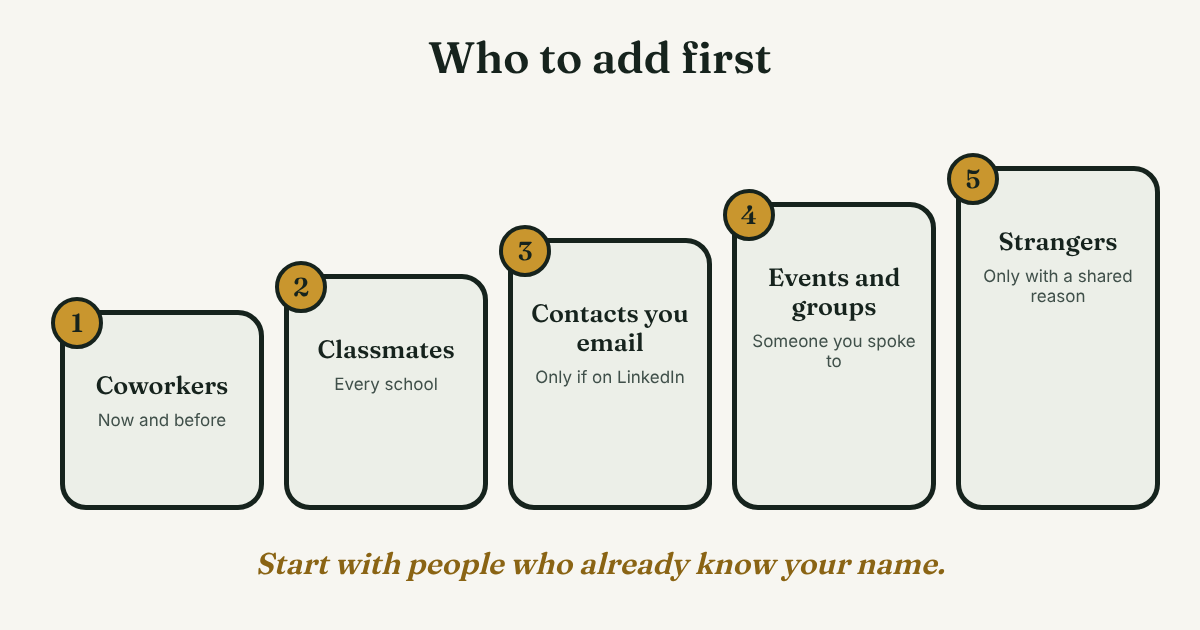
A better start is an order. It comes from the guides we read, and it puts people who already know you at the top, because they are the most likely to say yes. If you want the basics first, such as note or no note and what happens after someone accepts, start with our guide to the LinkedIn connection request.
- Coworkers, now and before. Neal Schaffer, a LinkedIn consultant, starts his list with co-workers and people from past companies.
- Classmates. Schaffer says to include every school, even high school and study abroad. A Washington College student wrote that on the first day of a semester she learned her classmates' names and added them. That is one student's account, not a study.
- Contacts you already email. LinkedIn lets you sync contacts. Roomvu's help page gives the path: profile picture, Settings, Syncing options, Sync contacts. Schaffer adds a warning: do not invite anyone who is not already a member of LinkedIn, and check that each person fits before you send.
- People you spoke to at an event or in a group. Name the event or the group in your note, so they can place you in a second. Bardeen, a sales-automation company, says to mention the shared group.
- Strangers with a shared reason. A shared school, a shared employer, or something they wrote that you read. Terry Rice, writing in Entrepreneur in 2022, says to connect for a reason, such as a partnership or an interview. No reason, no request.
Two things to skip. Do not add people only to raise the number. And do not copy one note to many people. Write each request for one person.
Are weaker ties worth adding?
Yes, if you want new doors to open, and you do not need to go to the very edge of your world to find them. A study in Science, run on LinkedIn between 2015 and 2019, changed the People You May Know suggestions for about 20 million users. MIT News (2022) reports that weak ties were better on average for job mobility than strong ties. It also reports an upside-down U: moderately weak ties were best, with the turning point at around 10 mutual connections.
Read that carefully. The study measured job moves, not who replies or who gives good advice. It did not test notes, routines or request volume.
So here is our reading, and it is only that. People you know a little, in the same field or school or group, are worth adding after the people who know you well. Schaffer suggests starting with at least 5 mutual connections when you pick people from a group, and calls it "a starting point, not a fixed rule." Our guide to using LinkedIn as a professional network covers what to do after they accept.
How many requests a week is reasonable?
Pages give different answers, and none came from LinkedIn. Roomvu, a real-estate marketing company, says to send up to 10 requests per day, and that 5 to 10 a day could reach 50 connections in one to two weeks. That is its own estimate, not a measured result. Schaffer says LinkedIn limits how many invitations you can send each week and gives no number. He also says too many ignored or reported invitations can restrict your account.
Our suggestion: about ten a week. At that pace you can write each one for a person and remember them. We have no data that ten is best.
What should you expect back? LeadHunter, a company that sells LinkedIn outreach software, says in a benchmark report (reposted on DEV Community, with conflicting dates) that campaign acceptance averages 24 to 30 percent, and was nearly the same with and without a note. We could not verify the study it cites, and it measures sales outreach, not people who know you. Take one thing from it: some people will not answer, and that is normal.
Should you add a note, and what do you write?
Add a note when you have one true reason. Bardeen says to look at the person's profile and recent posts, comment on something real, then name the shared thing in your request. It says this raises acceptance but gives no number, so treat it as advice, not proof.
A short template you can edit:
Hi [Name], I read your post on [topic] and liked [one detail]. I work on [your area] too, and I'd like to stay in touch.
Priya's version, filled in: Hi Omar, I read your post on forecasting errors and liked the part about late data. I work in analytics too, and I'd like to stay in touch. That is 139 characters. Check your own note box for its limit, because the pages we read disagree on it.
What is a 15-minute weekly routine?
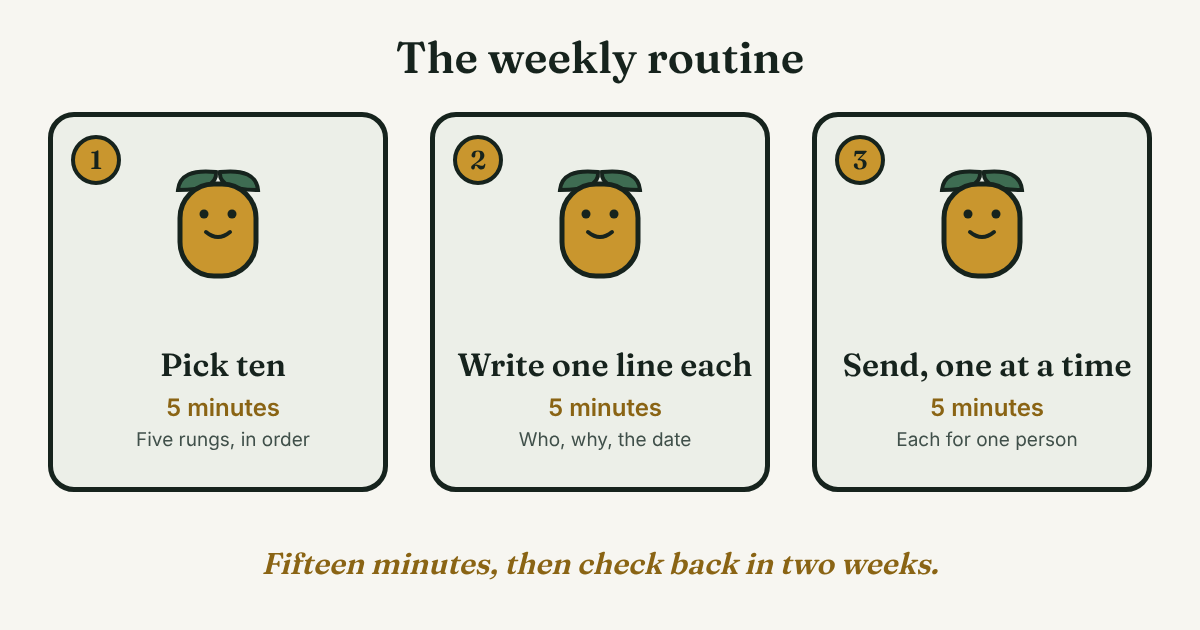
Pick one day. Set a timer for fifteen minutes. This is our routine, built from the guides above. It is not a LinkedIn rule.
Step 1: Pick ten people (5 minutes)
Go down the five steps in order and write ten names. If you want to see your people on one page first, try mapping your professional network. Skip anyone you cannot give a reason for.
Step 2: Write one line for each (5 minutes)
Next to each name, write the reason in one line. If you cannot write it, drop the name this week.
[Name], [role]. Reason: [one line]. Sent [date]. Check on [date + 14 days].
Priya's first line: Omar, analyst at another company. Reason: his post on forecasting errors. Sent Nov 9. Check on Nov 23.
Step 3: Send them, one at a time (5 minutes)
Open each profile and send the request yourself. Add the note if you wrote one. Do not paste the same text into ten requests.
Step 4: Look again after two weeks
Open your list. Send one short message to each person who accepted, and leave the rest. Our guide to building a professional network covers who to keep in touch with after that.
How do you remember who you added and why?
The Sent list on LinkedIn shows names, not why you wrote or what you planned to say next. That is the part you lose. The one-line record from Step 2 fixes most of it. A notes app or a spreadsheet works fine for ten people a month.
Full disclosure: we make GrowthSeeded, a simple follow-up tracker for LinkedIn. It tells you who to message each day, so you don't forget to follow up. You add the person and why you wrote, and the next step follows what happened, such as an accepted request or a reply.
What do we not know?
- LinkedIn's own limits. Its help pages would not open for us, so we give no official number.
- The best weekly number. The pages range from 10 a day to no number. Ten a week is our suggestion.
- Acceptance rates for personal networking. The only figure we found is unverified vendor data from sales campaigns.
- Whether the weak-tie result applies outside jobs. The study measured job moves.
FAQ
How do I get more connections on LinkedIn?
Add people who already know you first: coworkers, classmates and contacts you email. Then add people from events and groups, and strangers only with a shared reason. Send a few requests each week, each written for one person.
Is it free to get more connections?
The guides we read describe sending requests as a normal button on a profile, with no paid plan named. We could not open LinkedIn's help pages to confirm the terms, so check your own account.
Should I sync my email contacts?
It is optional. Roomvu gives the steps. Schaffer says to invite only people who are already on LinkedIn and to check each one first. Look at your sync settings if privacy matters to you.
Does the 500+ number matter?
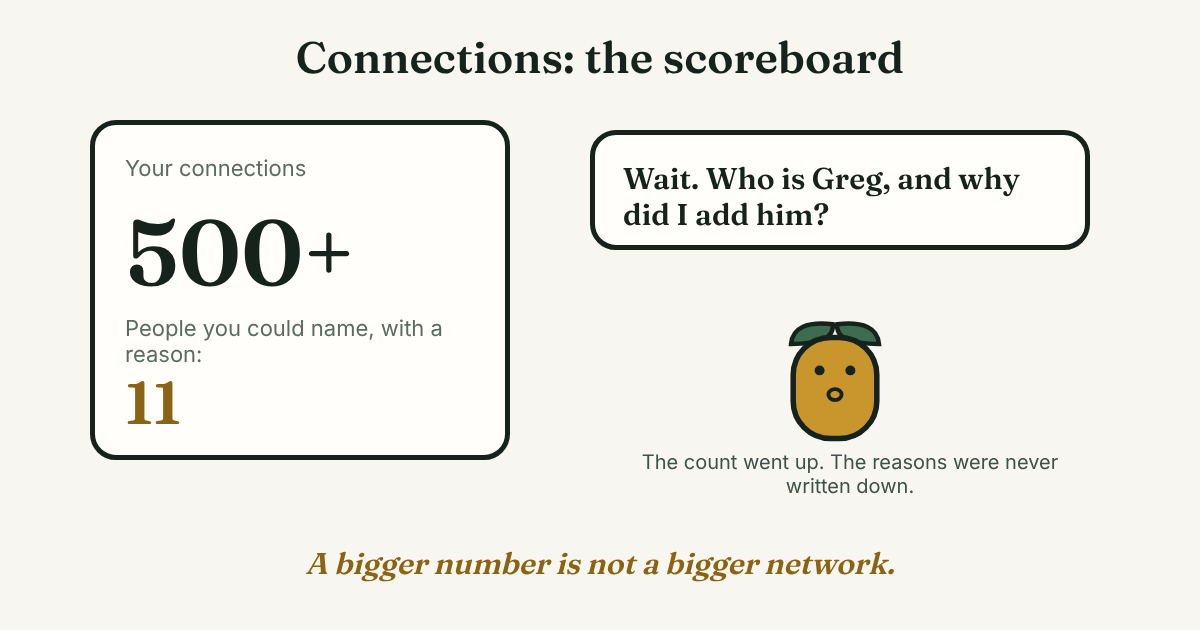
We could not confirm that it does. One student says the 500+ label signals you take LinkedIn seriously, but that is one account. A smaller list of people you can name, each with a reason, is easier to use.
Do this today
- Write ten names from the first three steps of the list. Skip anyone you cannot give a reason for.
- Write one line of reason next to each name, with a check date 14 days away.
- Send two of the requests today, and the rest this week.
Ten requests a week are easy to send and easy to lose track of. In GrowthSeeded you add each person and your reason as you send, and the next step shows up on the day it is due. You send every message yourself, and it never sends anything or touches your LinkedIn account. The Free plan holds 5 active people at a time. Start with your first ten.
Sources
- The power of weak ties in gaining new employment, MIT News, 2022
- Top 10 Ways How to Get More Connections on LinkedIn, Neal Schaffer, 2021, revised November 2026
- How to Reach Your First 50 LinkedIn Connections, Roomvu Help Center, 2025
- 5 Steps to Get (Almost) Anyone to Connect With You on LinkedIn, Entrepreneur, 2022
- Who to Connect with on LinkedIn: The Vital Tips, Bardeen, 2024
- How to Build Your LinkedIn Network: 0 to 500+ Connections, Washington College Career Connects, 2023 (date from the page address)
- LinkedIn Outreach Benchmarks 2026: What's Good, What's Bad, LeadHunter, reposted on DEV Community, checked 2026
About the author
Anisur Rahman Fagun is a marketing and content strategist with more than 9 years of experience in SEO, content, paid advertising and brand growth. He holds a master's degree in mass communication and journalism, and has led content and SEO strategy, built editorial teams and worked with product, design and sales teams. He also builds simple tools that turn marketing data into clear decisions. He writes the GrowthSeeded blog, which shares practical ways to follow up and stay in touch with people on LinkedIn.